

Links
Scopes
- Account Information 🔒
- Payment Initiation 🔒
Supported ASPSPs
The following institutions are supported as part of Credit Agricole bank:| ASPSP | Institution ID |
|---|---|
| Crédit Agricole | credit_agricole_paris |
| Crédit Agricole Alpes Provence | ca_alpesprovence |
| Crédit Agricole Alsace Vosges | ca_alsace_vosges |
| Crédit Agricole Atlantique Vendée | ca_atlantique_vendee |
| Crédit Agricole Brie Picardie | ca_briepicardie |
| Crédit Agricole Champagne-Bourgogne | ca_cb |
| Crédit Agricole Charente Périgord | ca_charente_perigord |
| Crédit Agricole Charente-Maritime Deux-Sèvres | ca_cmds |
| Crédit Agricole Nord Midi-Pyrénées | ca_nmp |
| Crédit Agricole du Nord Est | ca_nord_est |
| Crédit Agricole de Nord De France | ca_norddefrance |
| Crédit Agricole de Normandie | ca_normandie |
| Crédit Agricole de Normandie-Seine | ca_normandie_seine |
| Crédit Agricole de Provence Côtes d’Azur | ca_pca |
| Crédit Agricole Pyrénées Gascogne | ca_pyrenees_gascogne |
| Crédit Agricole de la Réunion | ca_reunion |
| Crédit Agricole Sud Méditerranée | ca_sudmed |
| Crédit Agricole Sud Rhône-Alpes | ca_sudrhonealpes |
| Crédit Agricole Toulouse31 | ca_toulouse31 |
| Crédit Agricole de la Touraine et du Poitou | ca_tourainepoitou |
| Crédit Agricole Val De France | ca_valdefrance |
Registration Process
Credit Agricole supports Dynamic Client Registration (DCR).Live environment
Follow the instructions below to connect the required institutions to your Yapily Application. Prerequisites: You must have an accreditation from ACPR or any other European Union banking authority, and you must own an eIDAS certificate delivered by a trusted authority. Steps:- Upload your eiDAS certificates (QWAC and QSEAL) to Yapily’s certificate vault.
- Add
credit_agricole_parisinstitution from the Live tab to your Yapily application. - Select your
QSEALandQWACcertificates from the relevant dropdown lists then click Next. - Click on Register which dynamically registers with the bank and retrieves the response including the
ClientID.
Update signing certificate
- Open your application and navigate to registration.
- Change/update the certificate details as required.
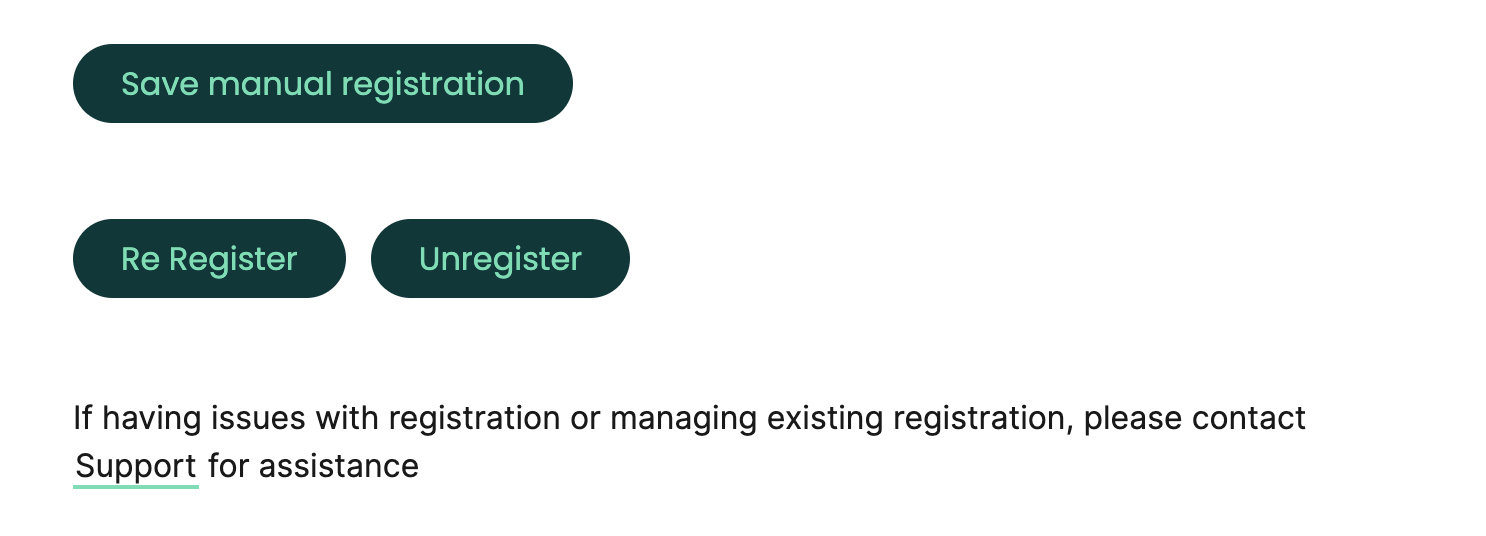
- A re-register button will appear (see screenshot below) - this will allow you to update the certificate details and retain your
ClientID.
Accounts and Payments Supported
Accounts
- Account
- Accounts
- Account Balance
- Account Transactions
- Identity
Payments
- Domestic single payments
- Bulk payments