Hosted Pages is available as a Beta version.
Please contact your Customer Success Manager if you would like to access it.
UI screens
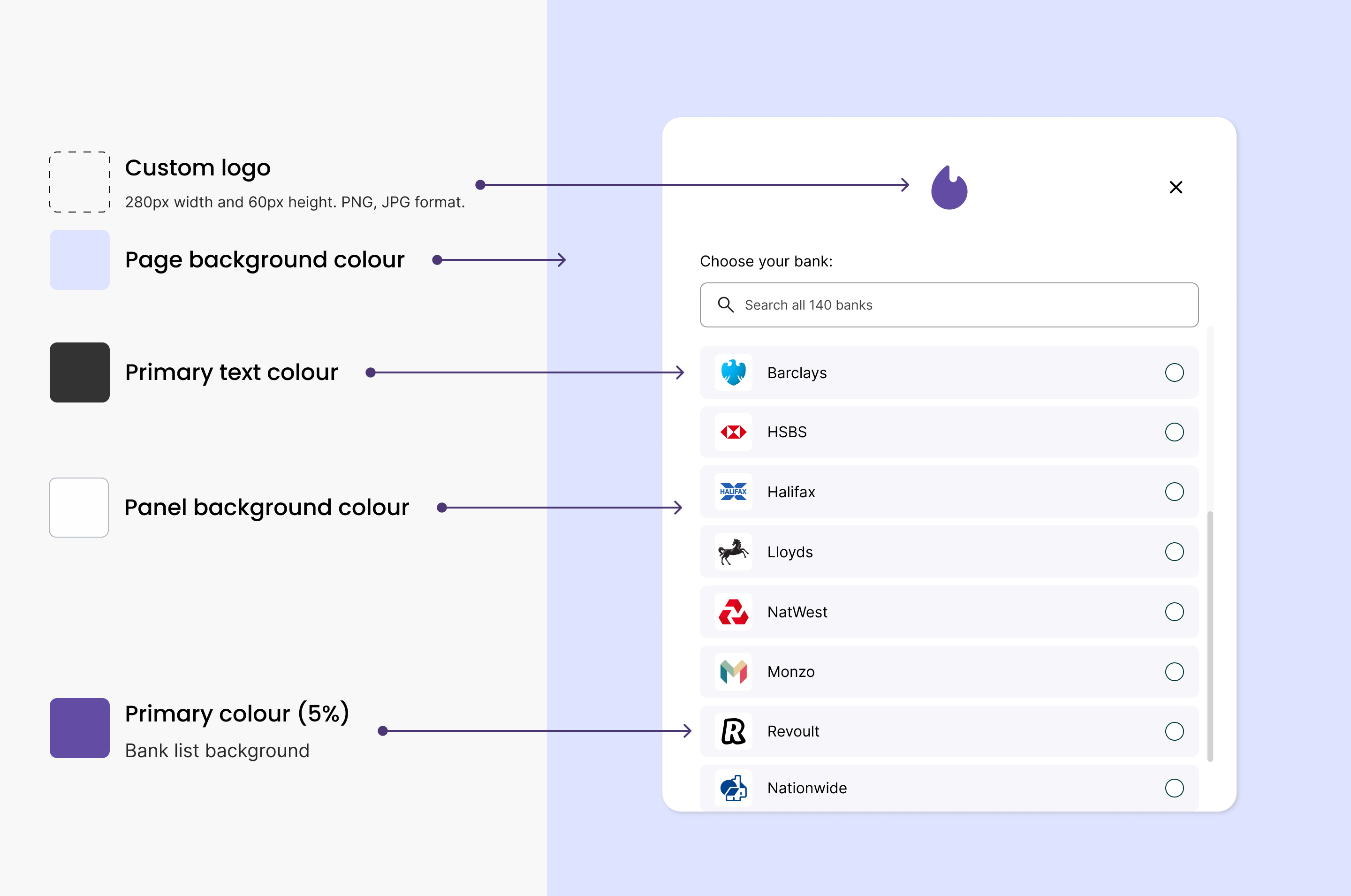
Yapily Hosted Pages includes the following out-of-the-box screens.Bank selection
Displays the list of supported banks to the end user so they can select which bank they want to pay from.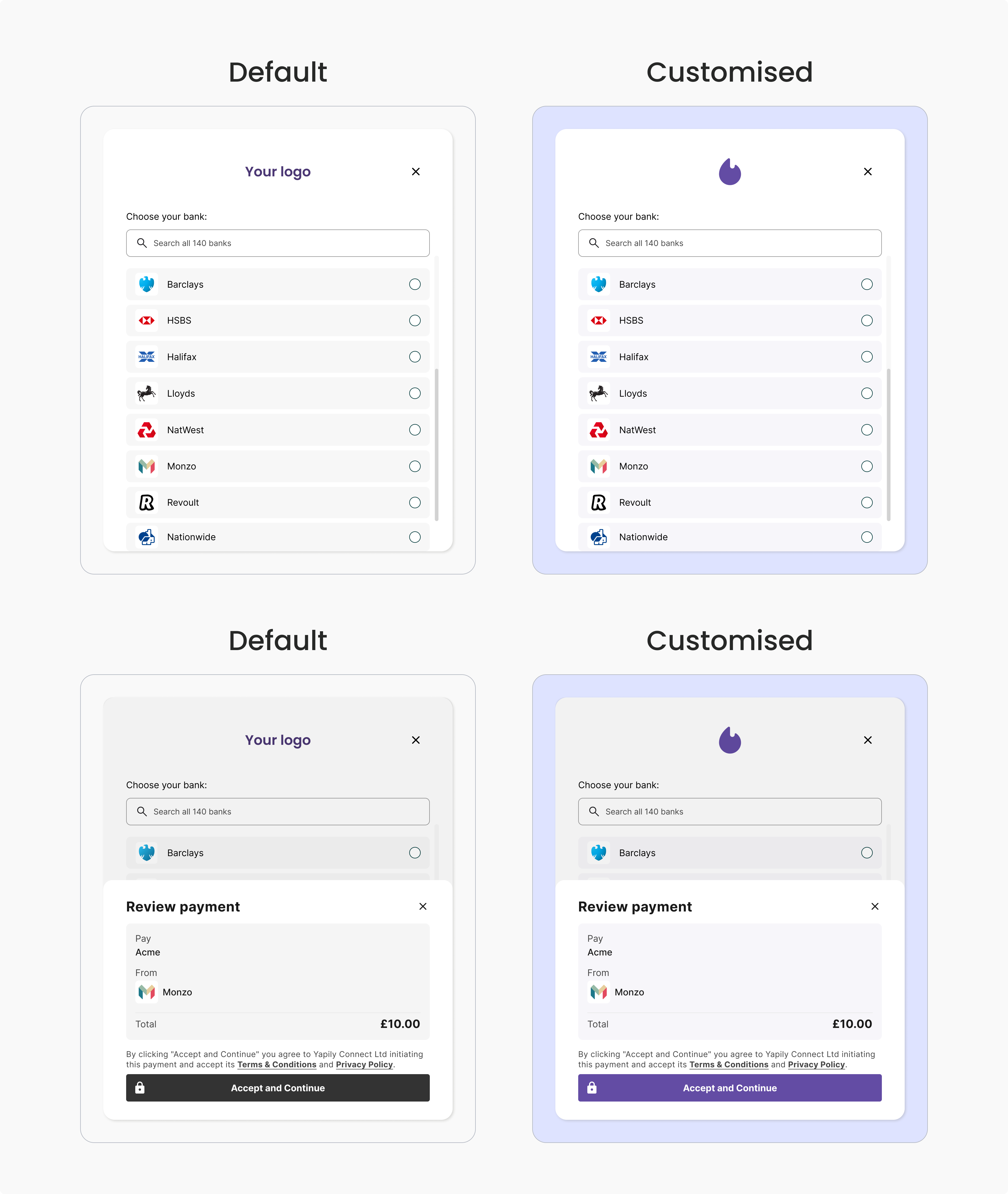
Consent
If you are a Yapily Connect customer, your users will be shown a consent screen before being redirected to their bank. This screen states that you are partnering with Yapily Connect as a TPP and includes Yapily Connect’s Terms and Conditions and Privacy Notice. By selecting “continue” the end user is consenting to Yapily Connect initiating a payment from their account and the associated terms. Note: If you use your own licences the consent page will not be displayed. You should ensure to meet any necessary consent requirements before directing your users to the Hosted Pages flow.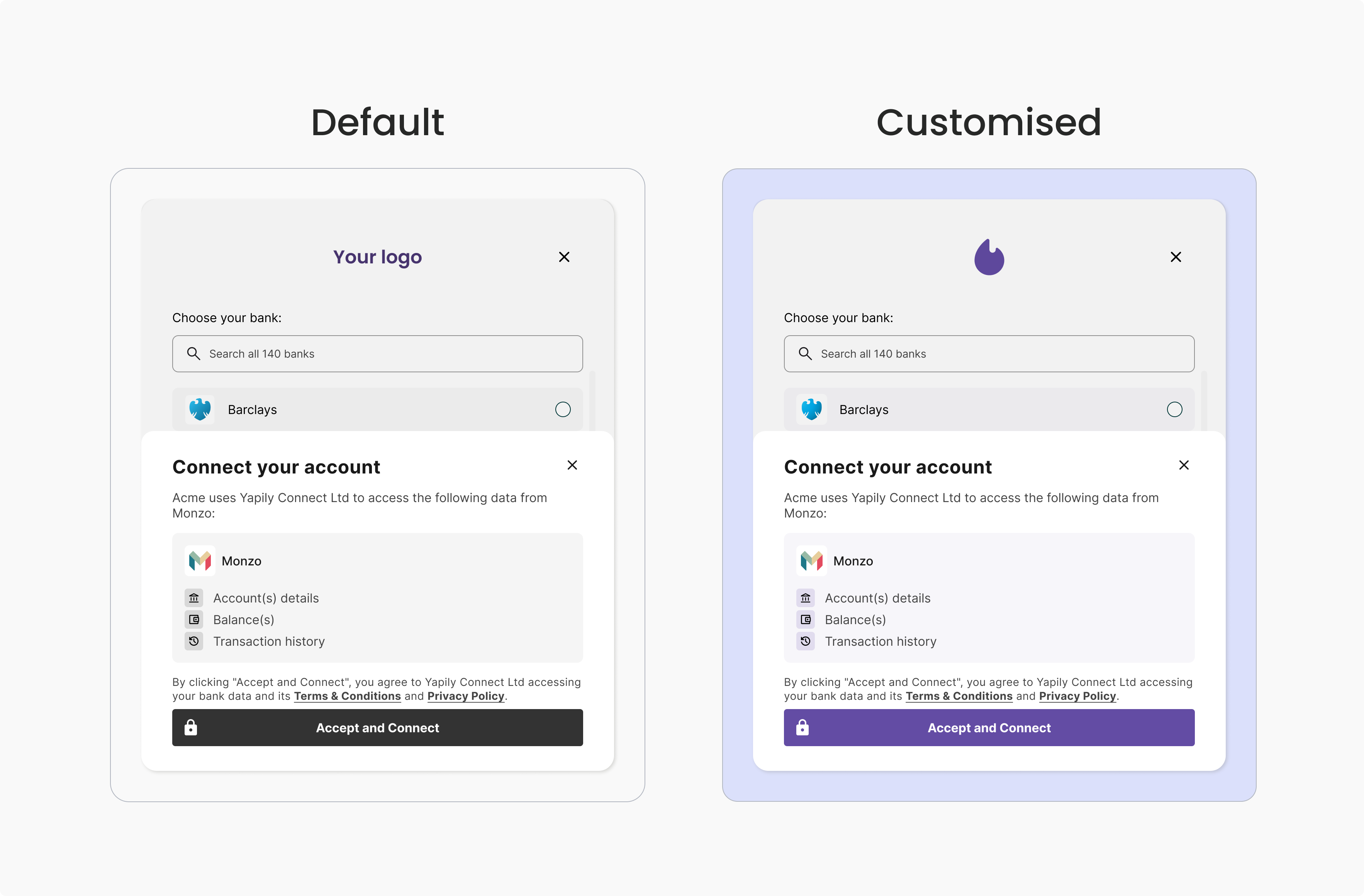
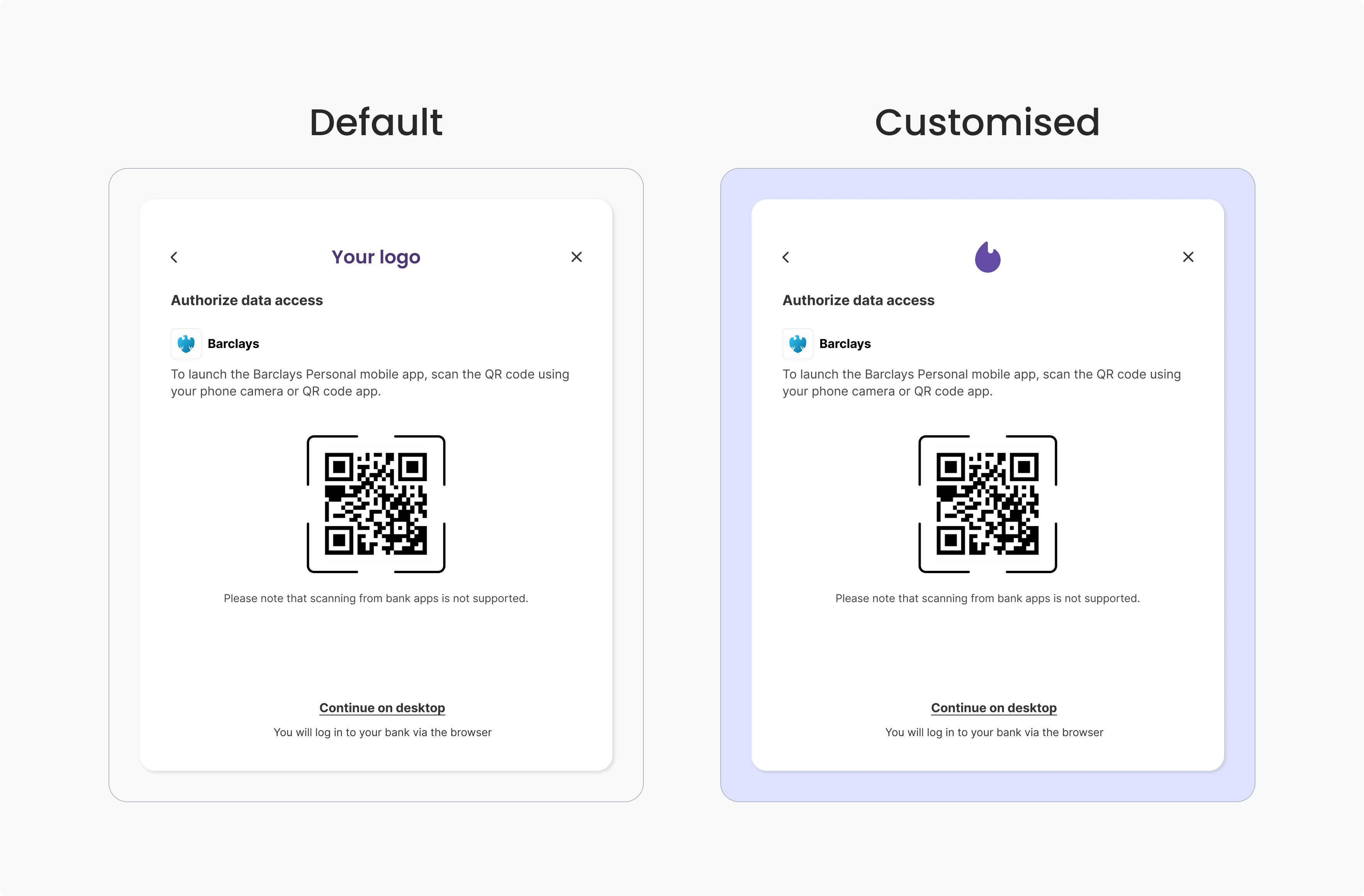
Redirect to bank
Redirect authorisation flow only.
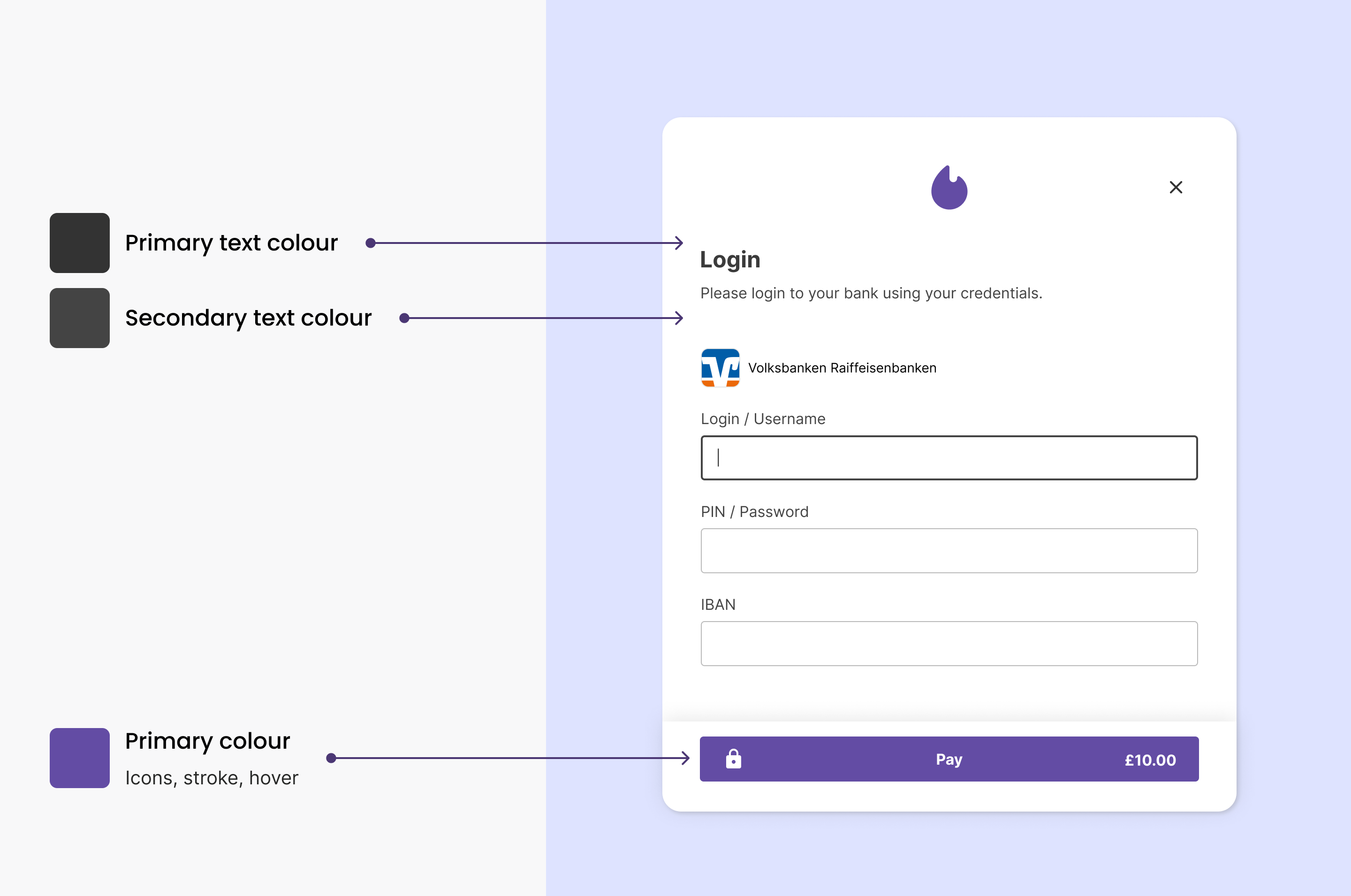
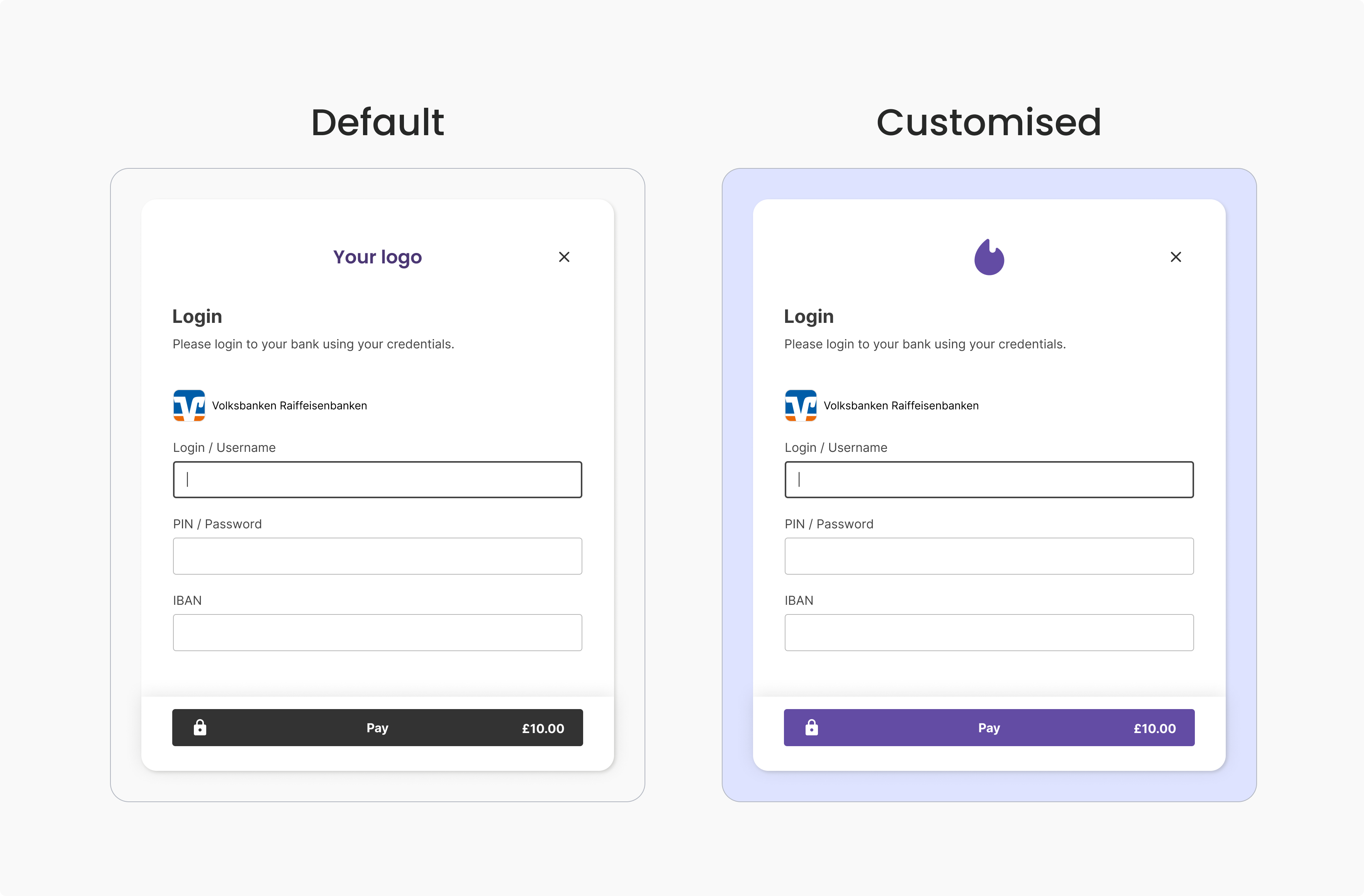
Bank login
Embedded authorisation flow only.
Additional details
Embedded authorisation flow only.
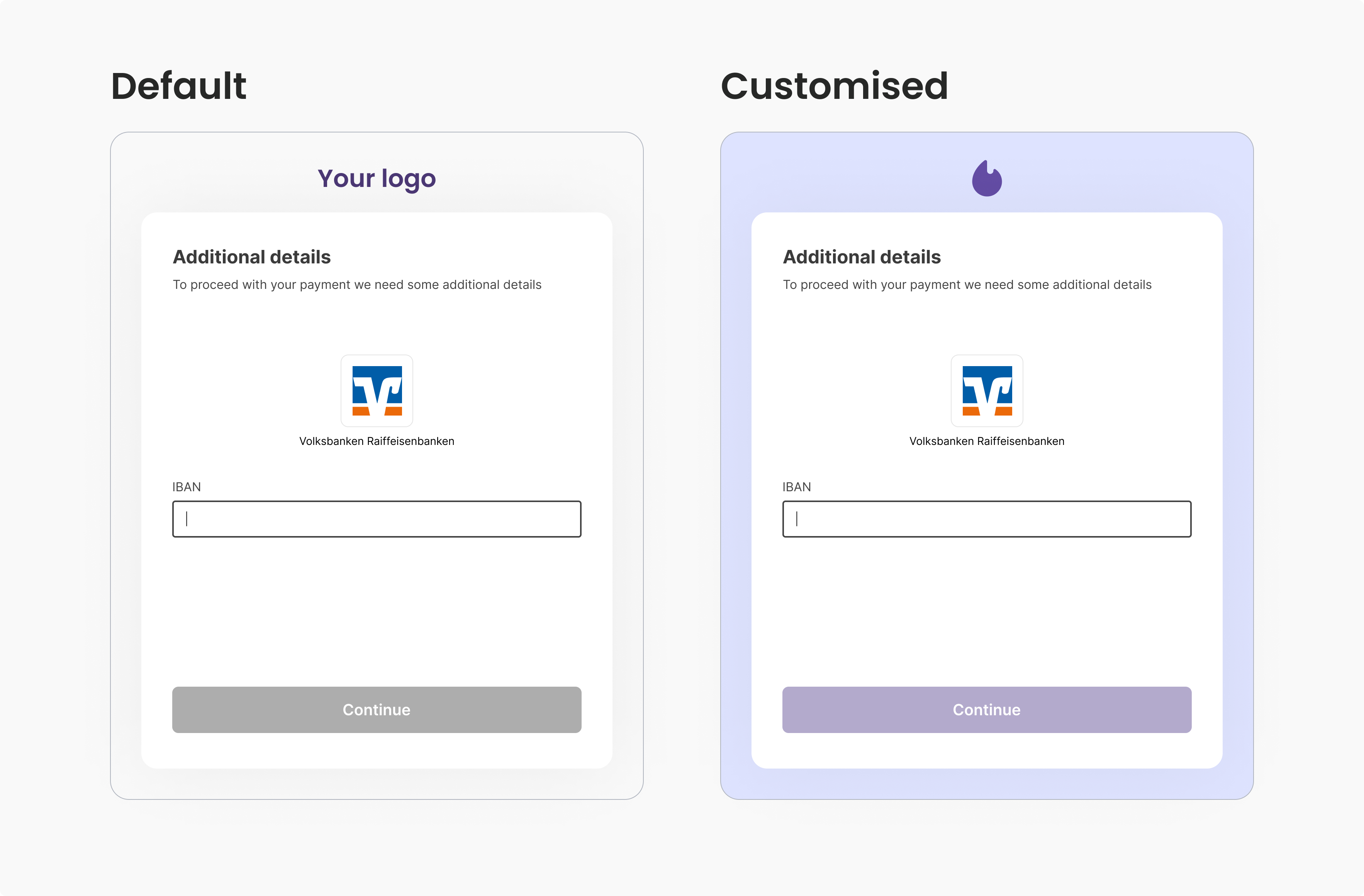
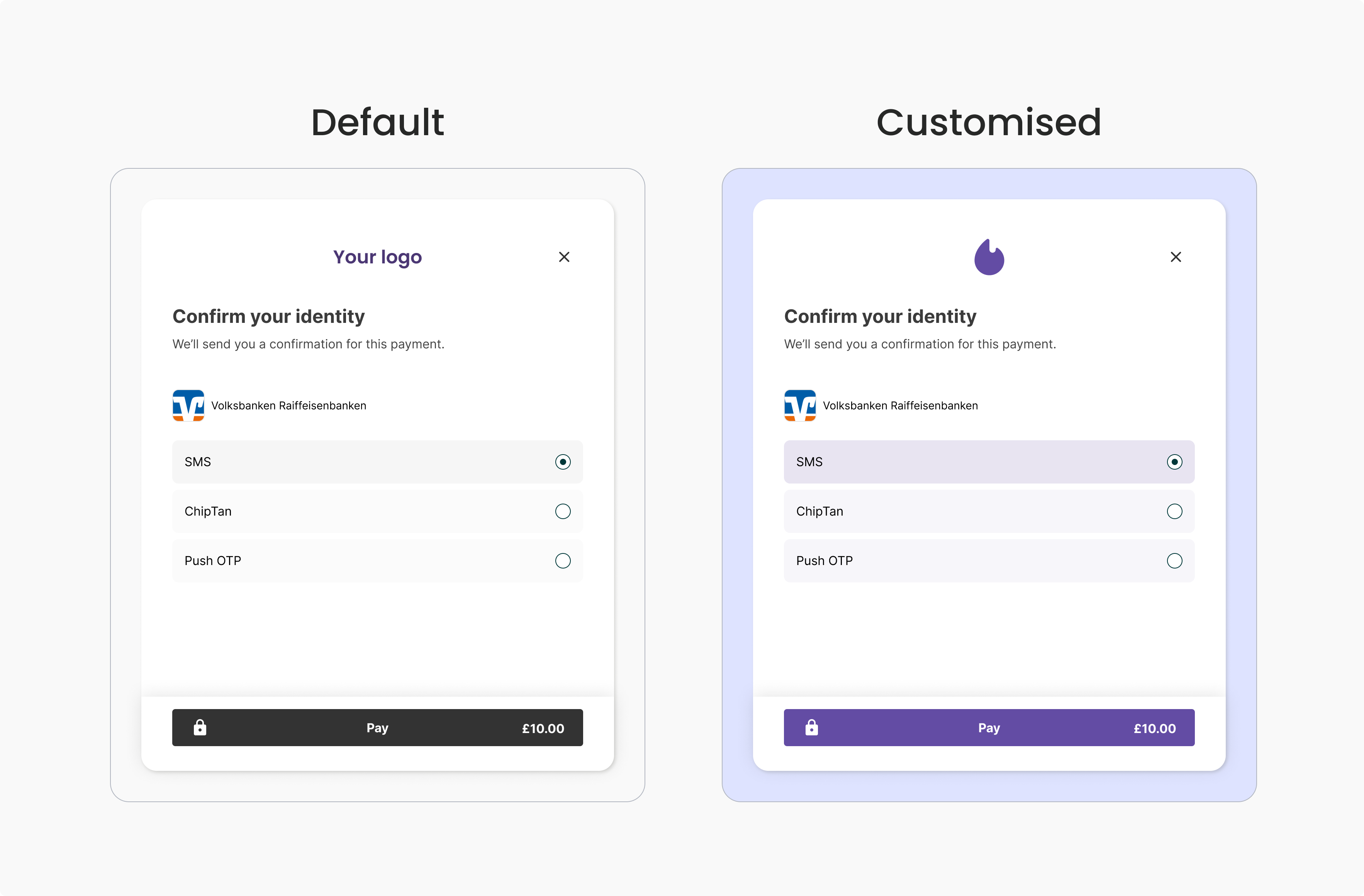
SCA selection
Embedded authorisation flow only.
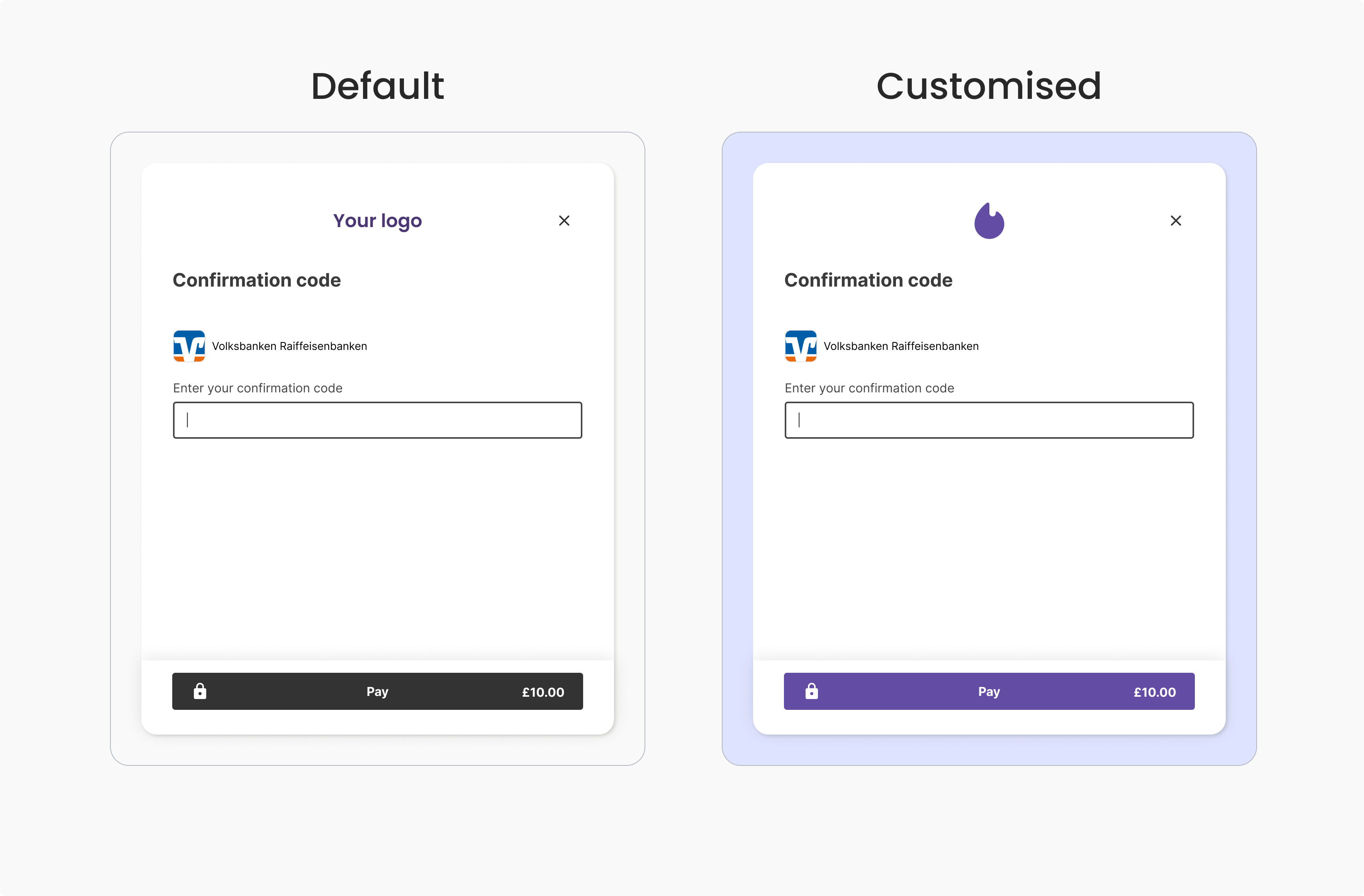
SCA code entry
Embedded authorisation flow only.
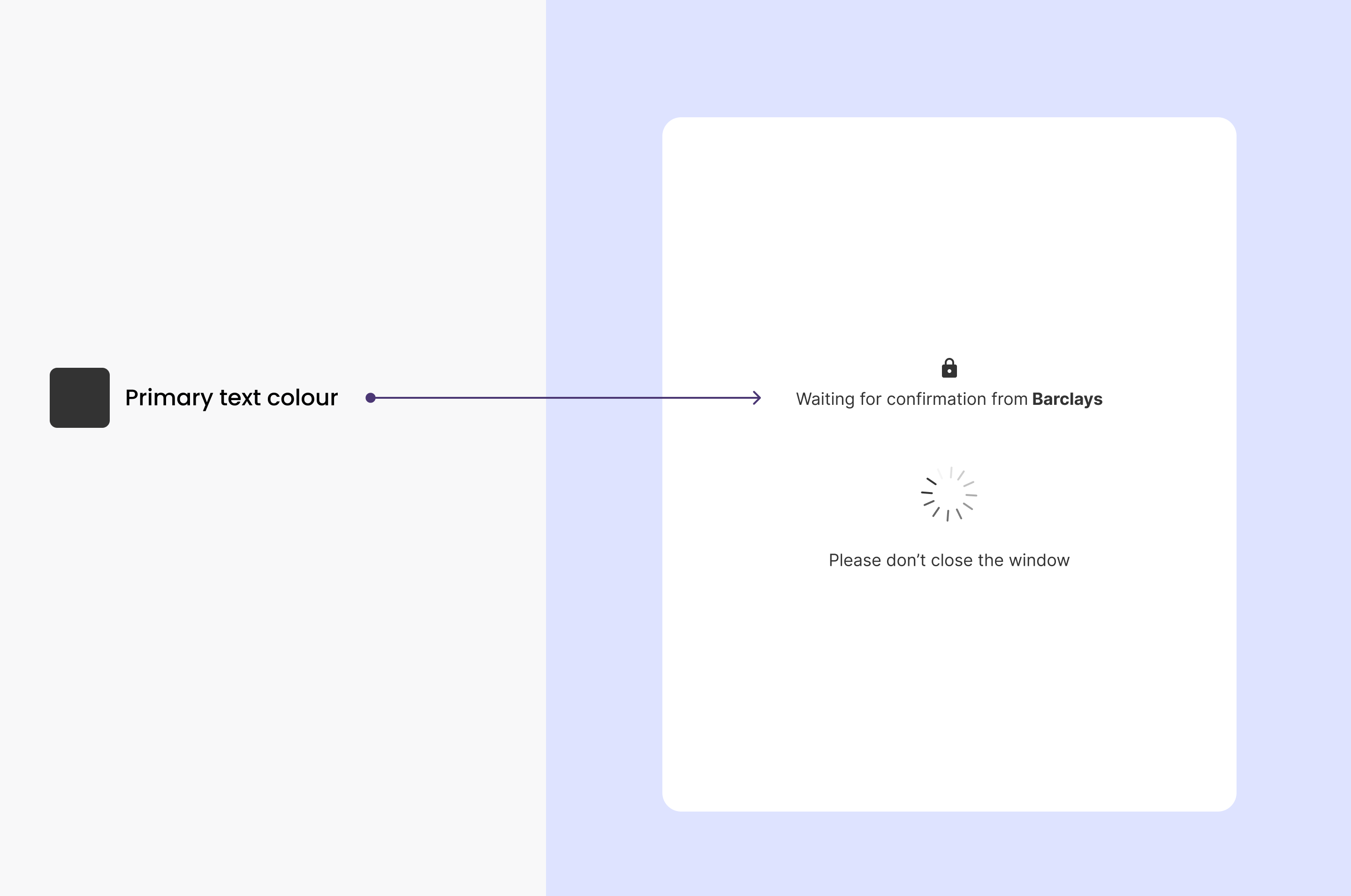
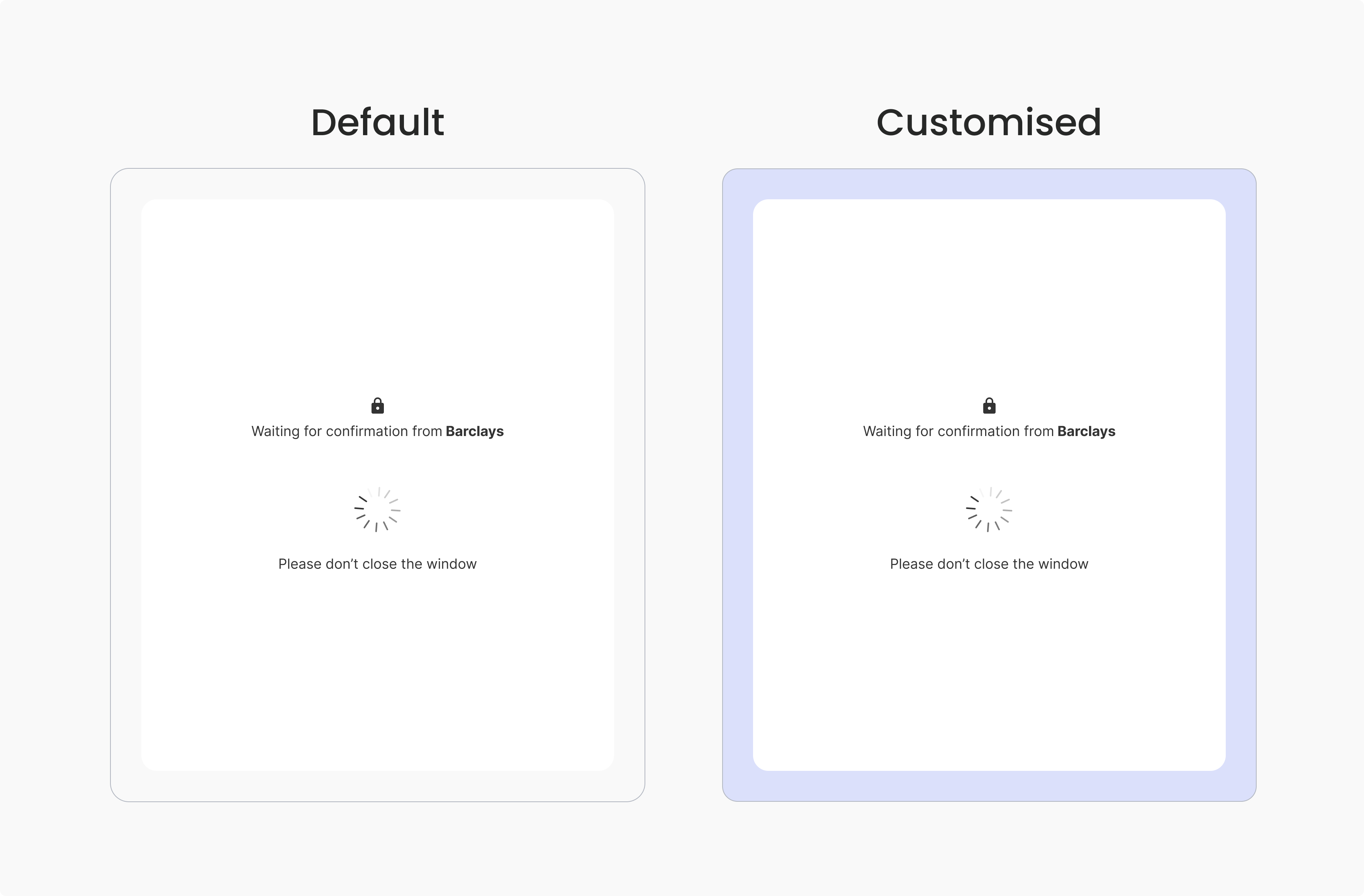
Loading
Embedded authorisation flow only.
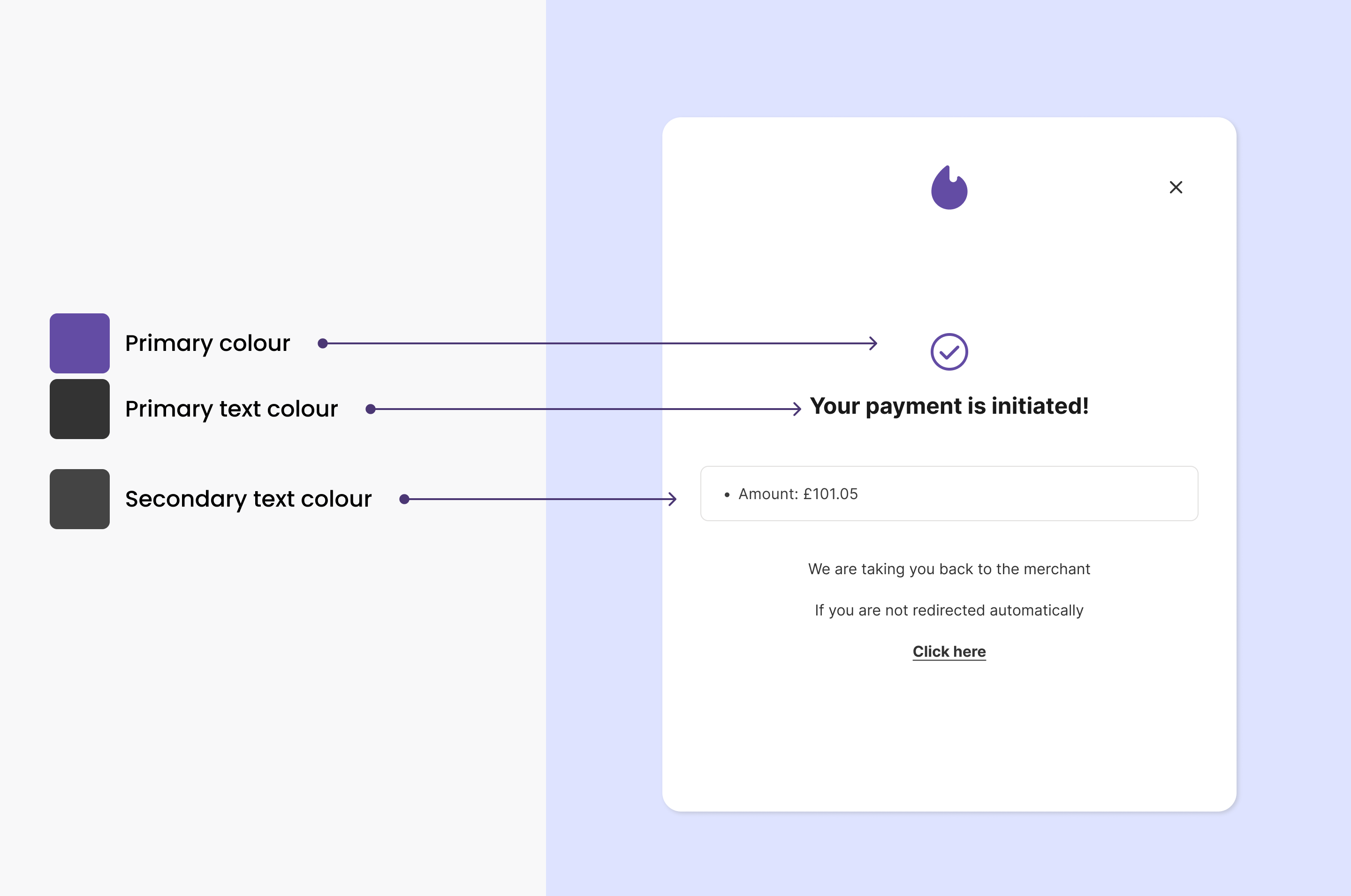
Success and redirection
Displays confirmation of the payment initiation to the user. Redirects the user back to your application.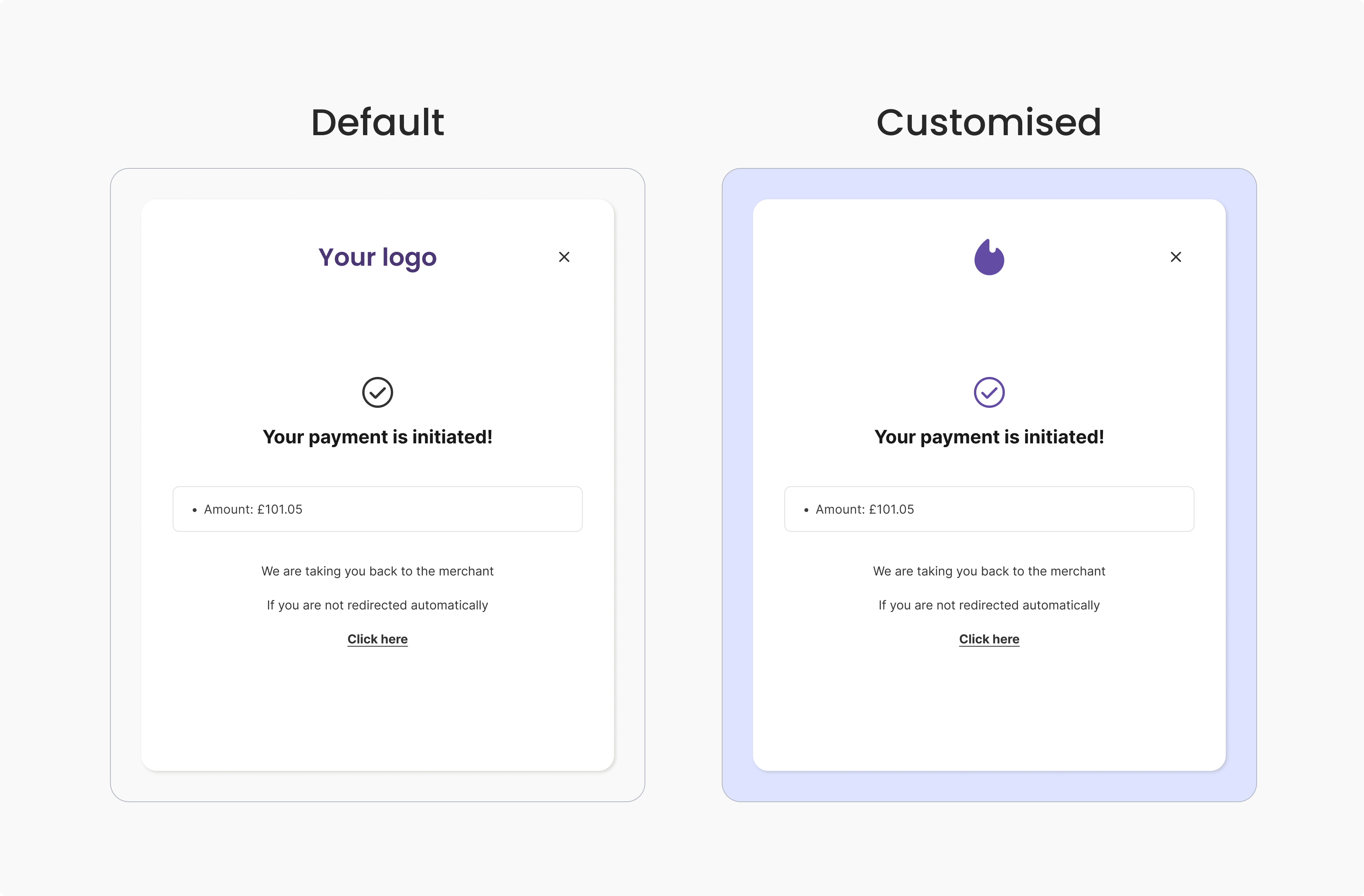
UI customisation
Customisation is available on all screens to create a more consistent experience for your end users as they transition between your application and Yapily Hosted Pages. The following customisation options are available:- Custom logo
- Primary colour
- Background colour
- Page background colour
- Primary text colour
- Secondary text colour
Example customisation options: